
Google has launched Google Wallet, including Google Pay, in Nigeria, bringing contactless payments to eligible users.
Google announced the rollout on October 28, 2026. The service supports Android and Wear OS users, with eligible cards available for in-store, in-app and online payments.
The launch lets customers pay without presenting a physical bank card at supported checkout points. However, access depends on the bank, card type, device and merchant terminal.
What is Google Pay, and how does it work?
Google Wallet is the app where users store supported payment cards and other digital items. Google Pay is the payment service used when customers pay at participating merchants or supported online checkouts.
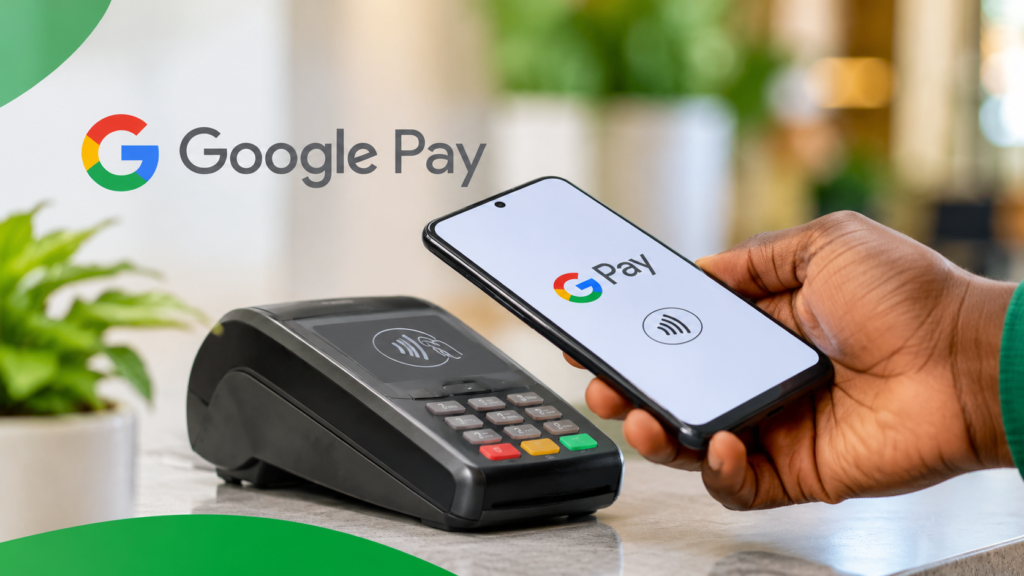
For in-store payments, a compatible Android phone communicates with a contactless POS terminal using Near Field Communication (NFC). Users unlock their phones, hold them near the reader and follow any authentication prompts.
Google also supports payments in participating apps and websites. Those transactions do not require an NFC-enabled phone because they happen through an online checkout.
Which Nigerian banks and cards support Google Pay?
Google’s current Nigeria payment-methods list names five participating banks. Eligible cards vary by issuer:
| Bank | Currently listed eligible cards |
| FirstBank | Mastercard debit |
| GTBank | Mastercard debit and prepaid |
| Providus Bank | Mastercard credit, debit and prepaid |
| UBA | Mastercard credit, debit and prepaid; Visa prepaid |
| Zenith Bank | Mastercard credit and debit |
Not every card issued by these banks qualifies. Google says each bank decides which cards it enables for mobile payments.
The current list does not include Verve cards or cards from other banks and fintech issuers. Customers should check Google’s live list because supported products can change.
What phones can use Google Pay tap-to-pay?
In-store tap-to-pay requires an NFC-enabled Android phone. NFC allows nearby devices to exchange data over a very short distance.
Users should install Google Wallet, add an eligible card, enable NFC and set Wallet as the default contactless payment app. Google also requires a screen lock and may request card verification.
Customers can follow Google’s setup instructions to check whether their phone and card are ready. A phone without NFC cannot make in-store tap-to-pay transactions through Google Wallet.
Will Google Pay work on every Nigerian POS terminal?
No. Merchants need POS terminals that support NFC contactless payments and accept the relevant payment method.
Customers should look for the contactless symbol or Google Pay logo on the terminal. A machine that only accepts inserted or swiped cards may not support phone-based payments.
This requirement could limit adoption, particularly where merchants have not upgraded their terminals. Having a supported card and NFC phone does not guarantee that every shop can accept a tap.
How to set up Google Pay
- Download Google Wallet from the Google Play Store.
- Open the app and sign in to your Google account.
- Choose “Add to Wallet” and select “Payment card”.
- Enter an eligible card and complete the bank’s verification process.
- Enable NFC, set Google Wallet as the default payment app and ensure your phone has a screen lock.
What the launch means for Nigeria
Google Pay gives eligible Nigerians another way to make digital payments. Its reach will depend on wider card support, compatible smartphones and merchants with contactless-enabled terminals.
For now, the launch offers a convenient option to supported cardholders, rather than a universal replacement for bank cards or transfers. More banks and merchants will need to participate before tap-to-pay becomes commonplace.